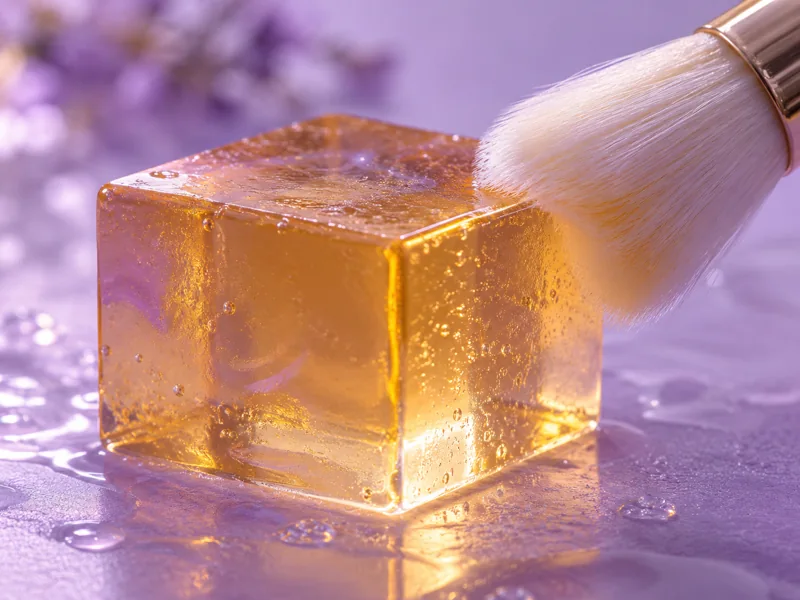
Design a tactile scene, create a sound brief and bring them together into a short, deliberate experiment.
Before you start
One material, one gentle action and a clear idea of the sound. Start with a short scene rather than a complicated sequence.
The workflow
1. Design one satisfying moment
Choose a specific interaction: a soft brush on textured paper, fingertips tapping smooth wood, or rain on a small window. Describe the material, distance and pace. Keep the first attempt to one sound source.
2. Build the visual separately
Create a still reference, then animate a simple motion if your chosen service supports it. Ask for a locked camera and consistent objects. Inspect contact points and object changes; striking imagery can still have broken physical motion.
3. Write a sound brief
Describe the source and its timing instead of only saying “ASMR.” For example: close, dry, gentle paper brushing, slow repeated strokes, no speech, no music, no sudden impacts. Firefly and ElevenLabs offer text-guided sound-effect tools.
4. Edit and listen
Align the sound onset with the visible action in your editor. Use conservative playback volume, listen for harsh peaks and remove abrupt transitions. Check the service’s current usage terms before publishing or selling the result.
A starting brief
Replace the bracketed fields. Paste it into ChatGPT, Claude, Gemini or another assistant – or press Fill in.
Create a sound-effect concept for a short ASMR scene.

Material: [MATERIAL]. Action: [ONE GENTLE ACTION].

Texture: [SOFT / CRISP / DRY / AIRY]. Pace: [SLOW RHYTHM].

Close recording perspective. No speech, music, sudden impacts or loud peaks.

Describe the sound itself and the intended beginning and ending.

Then write a separate visual brief with a fixed camera and consistent objects.
Make it concrete
Starter concept: a soft brush makes three slow passes over textured paper. Leave a small pause between passes. Keep the camera still and the background quiet.
Check the result
Check the actual sound and motion, not only the thumbnail. The result should have intentional timing and no unpleasant surprises. It is a creative sound experiment, not a treatment or sleep guarantee.
Keep going
Sources
Product capabilities are based on these official pages. Workflow steps and sample briefs are editorial suggestions, not benchmark results. Checked 25 September 2026.