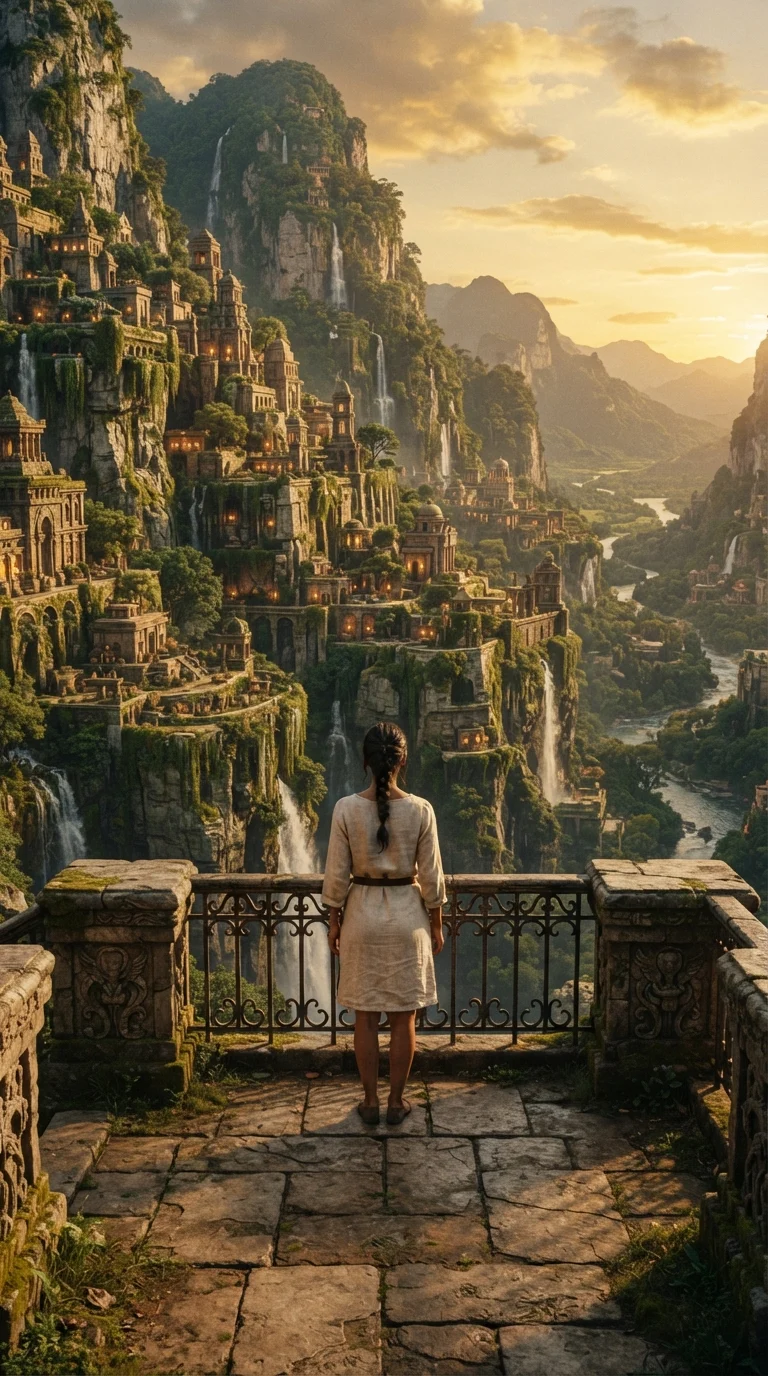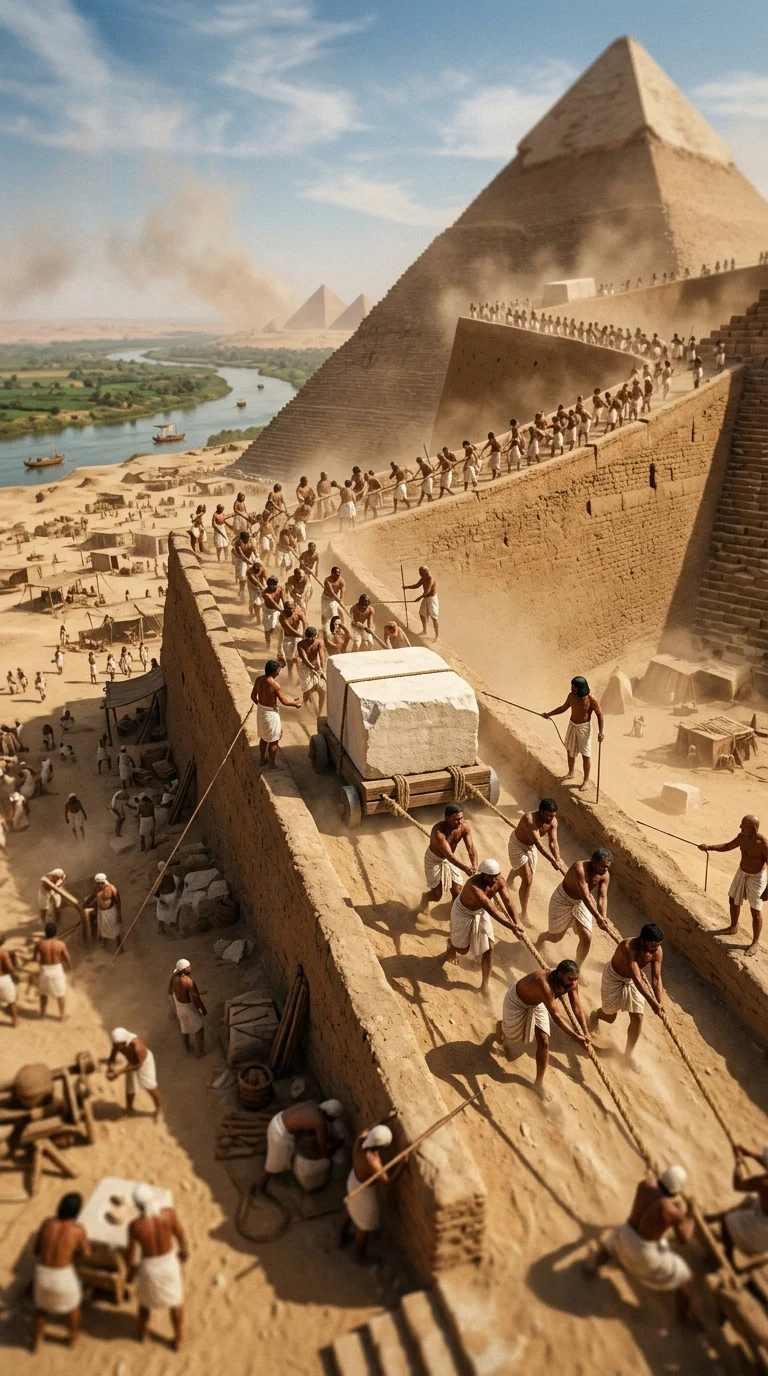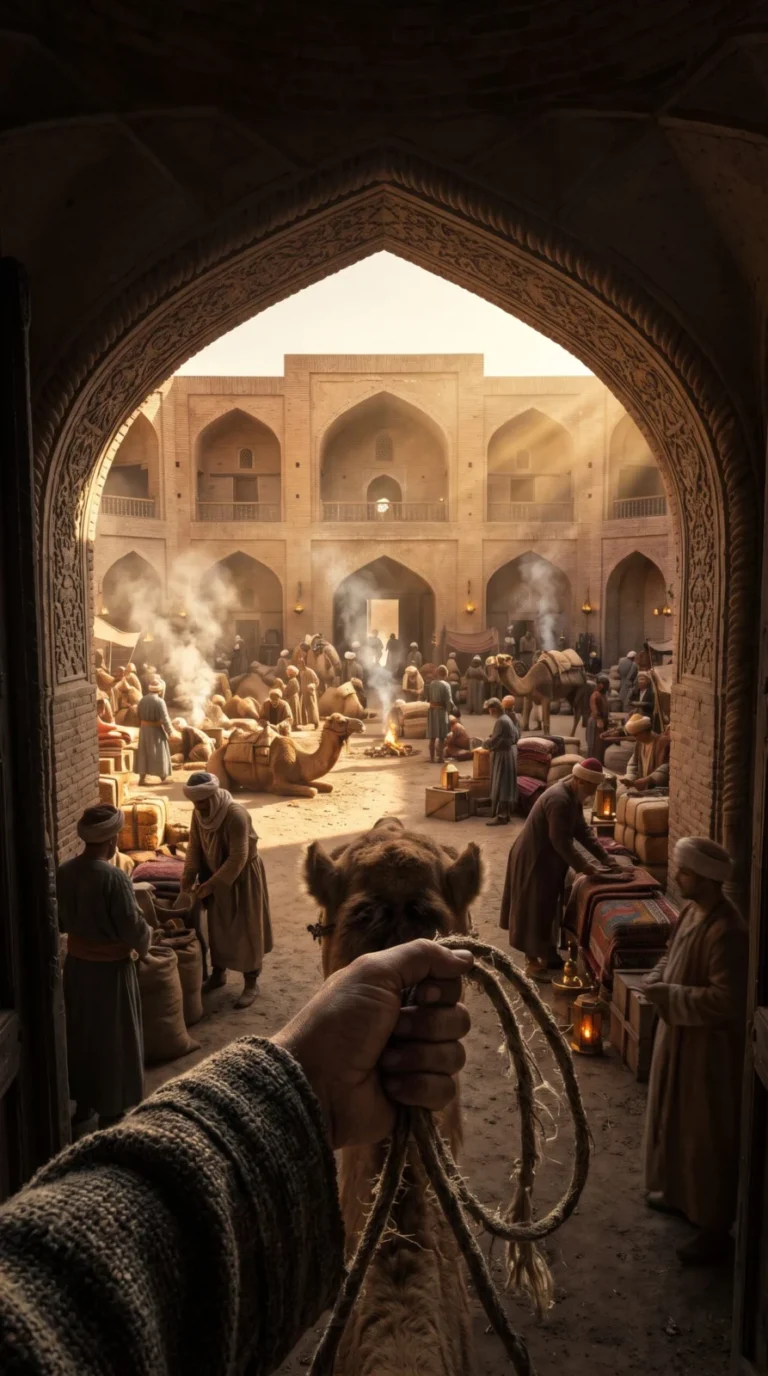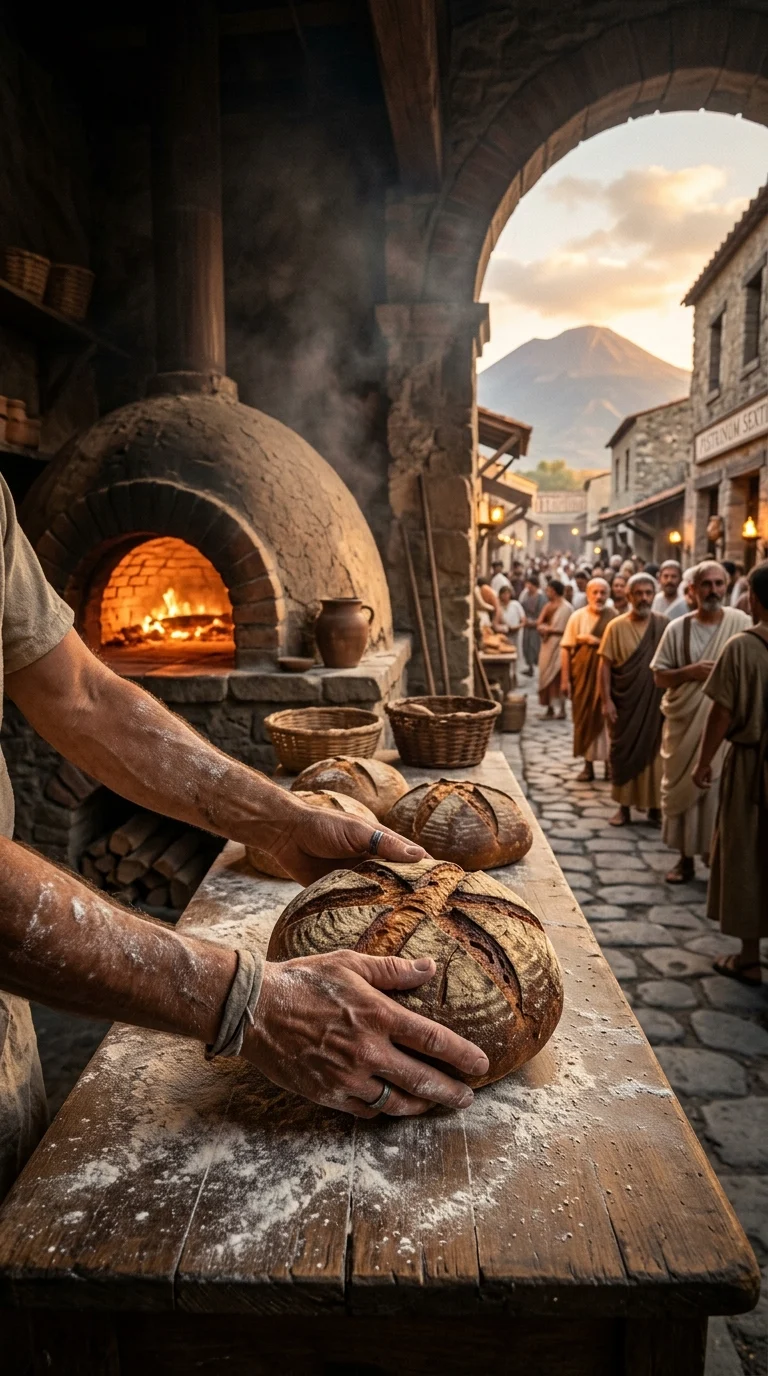
You will create a high-fidelity historical reconstruction. This video uses a visual hook that turns static stone into a living city, which captures attention through the satisfaction of restoration.
In short: This Ancient Roman Forum AI Video Prompt makes this: a cinematic transition that transforms weathered Roman ruins into a vivid, crowded marketplace using a golden energy ripple. Copy the master prompt below into Veo 3.1 or Sora 2, use 16:9, 25 seconds, and change the [BRACKETED] parts to make it yours.
Why Ancient Roman Forum Restoration is trending
The 'ruins to reality' transition is a proven cinematic hook. It combines historical curiosity with the visual thrill of rapid architectural growth.
The Ancient Roman Forum Restoration prompt (copy and paste)
Copy it as it is, or change the parts in [BRACKETS] to make it yours.
A hyper-realistic historical reconstruction sequence filmed on 65mm IMAX. The style is a high-budget historical epic with sharp detail, natural lighting, and a clear transition from a muted, dusty palette to saturated, vibrant colors.

CHARACTER A (Roman Merchant): Middle-aged man, olive skin, short cropped black hair with salt-and-pepper temples, strong jaw. He wears a white wool toga with a thin purple stripe along the edge, brown leather sandals, and a simple iron ring on his right hand. Wardrobe stays identical in every shot.

CHARACTER B (Roman Citizen): Young woman, braided dark hair held by small gold pins, warm brown eyes. She wears a pale yellow linen stola, a deep blue palla draped over her left shoulder, and a gold coin necklace. Wardrobe stays identical in every shot.

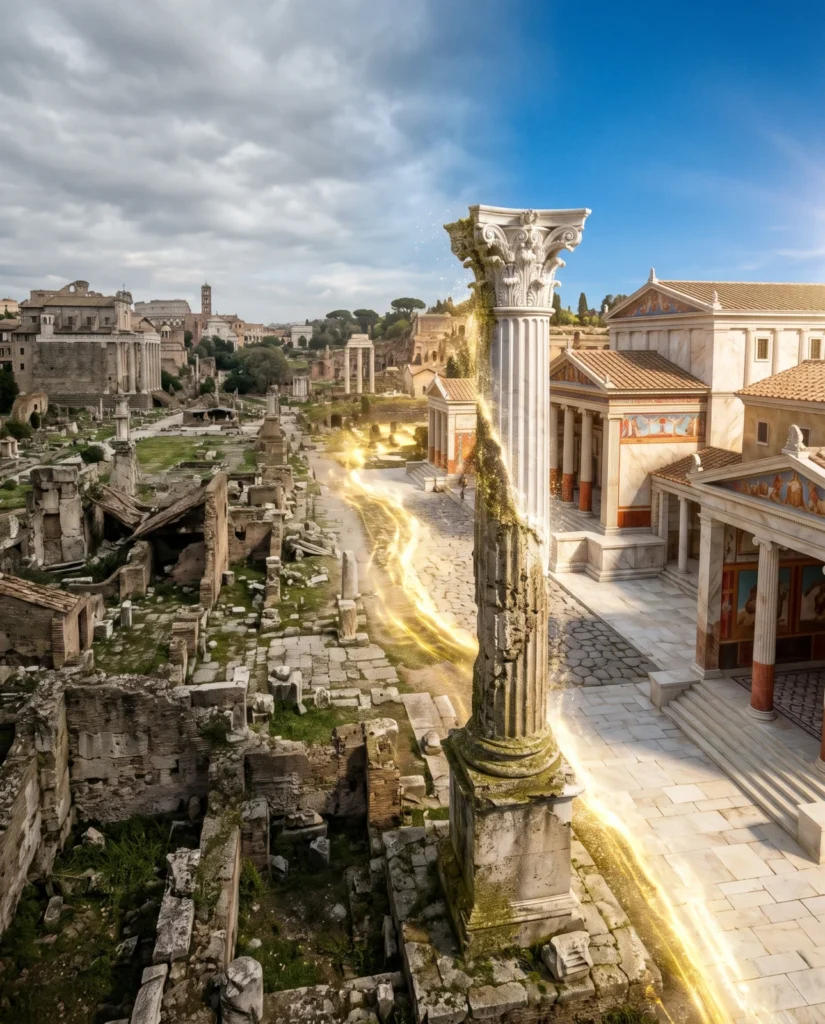
SETTING: A specific plaza in the Roman Forum. It begins as a quiet ruin with a single weathered Corinthian pillar, broken marble pediments, and patches of wild green grass and moss. It transforms into a polished white marble plaza with towering columns, red-tiled roofs, colorful linen awnings in crimson and gold, and stone-paved streets.

CINEMATOGRAPHY: The camera starts with a slow, cinematic tracking shot moving right to left. 35mm lens for the ruins, widening as the city grows. Lighting begins as soft, hazy mid-morning sun and shifts into a brilliant, high-contrast Mediterranean noon. Color grade shifts from desaturated greys and greens to rich whites, deep reds, and bright blues. Film texture is clean with a slight organic grain.

[00:00-00:04] THE SILENT RUIN — Close-up tracking shot across a moss-covered marble pillar. The stone is cracked and weathered. Dust motes dance in a single beam of sunlight.

[00:04-00:07] THE SPARK — A ripple of golden energy washes over the pillar from left to right. Where the light touches, the moss vanishes and the cracks seal instantly. The marble becomes polished and white.

[00:07-00:12] THE ASCENSION — High-speed reconstruction. Surrounding marble blocks slide into place from the ground. Columns rise upward. Red-tiled roofs snap onto the buildings. The ruins grow into a grand temple complex in a fluid, mechanical motion.

[00:12-00:17] THE AWAKENING — Saturated colors bleed into the scene. Red and gold fabric awnings unfurl from the storefronts. The grey ground turns into clean, paved travertine stone.

[00:17-00:22] THE LIVING CITY — The plaza is now crowded. Merchant A is seen in a medium shot, arranging bright red pomegranates and green grapes on a wooden table. Citizen B walks past him, looking at the fruit. People in various togas move in the background.

[00:22-00:25] THE FINAL VISTA — A wide, sweeping shot of the fully restored Forum under a deep blue sky, with the city thriving and the sun reflecting off the white marble.

SOUND: Starts with the sound of wind and a distant crow. A metallic, shimmering chime sounds as the golden ripple hits. The reconstruction sounds like heavy stone sliding and clicking into place. Ends with a layered soundscape of a crowded city: distant shouting, footsteps on stone, and a soft lyre melody.

RULES: No text overlays, no logos, consistent character clothing, realistic stone physics, no morphing faces.
Short version (for apps with a character limit)
65mm IMAX historical reconstruction. Start: slow pan over weathered, mossy Roman ruins. [00:04] Golden energy ripple transforms stone to polished white marble. [00:07] High-speed build: columns rise and red-tiled roofs appear. [00:12] Saturated colors fill the scene, awnings unfurl. [00:17] Crowded marketplace appears. Merchant A (olive skin, white toga with purple stripe) arranges fruit; Citizen B (braided hair, yellow stola, blue palla) walks past. End: Wide shot of a thriving Roman Forum under a blue sky. Natural mid-morning lighting, high detail, realistic physics.
Shot-by-shot storyboard
- 00:00-00:04
The Silent Ruin
Slow tracking shot across a weathered, mossy Corinthian pillar in a quiet ruin.
- 00:04-00:07
The Spark
A golden wave of light washes over the stone, repairing cracks and removing moss.
- 00:07-00:12
The Ascension
Fast-motion build as marble blocks and columns rise to form a temple.
- 00:12-00:17
The Awakening
Crimson and gold awnings unfurl as the scene shifts from grey to vibrant color.
- 00:17-00:22
The Living City
Medium shot of Merchant A with fruit and Citizen B walking through a crowded plaza.
- 00:22-00:25
The Final Vista
Wide sweeping shot of the restored Roman Forum under a bright blue sky.
Keep the characters consistent
Paste this description into every clip so the character looks the same from shot to shot.
Merchant A: Middle-aged man, olive skin, short cropped black hair with salt-and-pepper temples, wearing a white wool toga with a thin purple stripe and brown leather sandals.

Citizen B: Young woman, braided dark hair with gold pins, wearing a pale yellow linen stola and a deep blue palla draped over her left shoulder.
Sound and music
Ambient wind and birds transition into a shimmering metallic chime, followed by the sound of heavy stone sliding. Ends with a crowded market soundscape and a soft lyre melody.
What to avoid (negative prompt)
morphing faces, extra limbs, text, watermark, logos, modern clothing, blurry textures, floating objects, flickering light
Remix it: ready-made variations
Ancient Egypt
Similar reconstruction style but featuring the Great Sphinx and Pyramids. Start with sand-covered ruins. Golden ripple transforms them into limestone-white pyramids with gold capstones. The marketplace features Egyptian linen clothing and papyrus scrolls.
Mayan Jungle
Similar reconstruction style featuring a Mayan temple overgrown with thick jungle vines. A green energy ripple clears the foliage and restores the temple's bright red and blue paint. The scene fills with Mayan citizens in feathered headdresses.
Medieval Castle
Similar reconstruction style featuring a crumbling stone keep. A blue ethereal ripple restores the ramparts and banners. The scene transforms into a lively medieval courtyard with knights in chainmail and colorful heraldry.
Tips for each AI model
| Model | What to do |
|---|---|
| Veo 3.1 | Use the motion brush to specifically define the direction of the golden ripple for a cleaner transition. |
| Sora 2 | Focus the prompt on 'temporal consistency' to ensure the architecture doesn't shift shapes during the growth phase. |
| Kling 2.5 | Increase the 'creativity' slider slightly for the restoration phase to get more dynamic stone movement. |
How to make Ancient Roman Forum Restoration, step by step
- Base Layer Generate a high-resolution still of the ruins to use as your first frame.
- The Pan Use image-to-video to create the initial slow camera movement across the pillar.
- The Transition Prompt the golden ripple effect using a keyframe that marks the start of the restoration.
- The Build Use high-speed motion prompts to animate the architecture rising and snapping into place.
- The Crowd Add the human elements in the final 10 seconds, ensuring wardrobe matches the character descriptions.
Posting kit
A caption and hashtags you can use when you share your version.
Watch history rebuild itself. 🏛️✨ Turn ancient ruins into a living city with this prompt.

Array
Ancient Roman Forum Restoration: questions people ask
How do I prevent the buildings from looking like they are melting?
Use words like 'slide into place', 'snap', and 'mechanical motion' instead of 'morph' or 'transform'. This tells the AI to move blocks rather than blend pixels.
How can I keep the characters' clothes consistent?
Describe the fabrics and colors specifically, such as 'white wool toga with a thin purple stripe'. Repeat this exact phrase in every prompt segment involving that character.
What is the best way to achieve the golden ripple effect?
Describe it as a 'wave of light' or 'energy ripple' moving in a specific direction (e.g., left to right) to give the AI a clear vector for the effect.