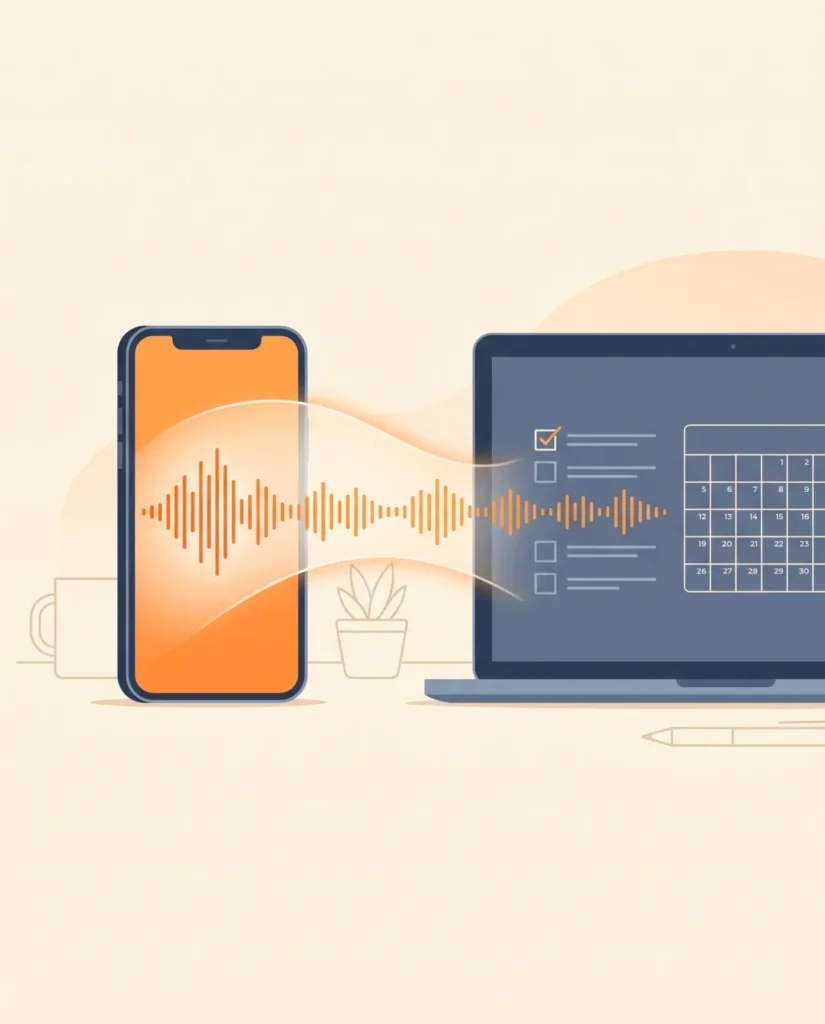
You recorded a five-minute rambling voice note while driving. Paste the transcript and get back a clean plan: what you decided, a prioritised to-do list with deadlines, the questions you still need to answer and a message you can send to your team or client. It's one of the most useful everyday AI habits right now.
Why it is trending
Voice-first AI use is exploding as ChatGPT, Gemini and phones add better voice transcription; turning voice notes into action is a top productivity request.
The master prompt
Copy it as it is, or change the parts in [BRACKETS] to make it yours.
Act as my sharp, practical chief of staff.

Below is a messy transcript of a voice note I recorded. It may jump between topics, repeat itself and include half-finished thoughts.

CONTEXT: [who I am / my business or project, e.g. I coordinate sales and admin for an interiors company]
TODAY'S DATE: [DATE]

TRANSCRIPT:
[PASTE YOUR VOICE-NOTE TRANSCRIPT HERE]

Turn it into:
1. ONE-LINE SUMMARY of what this voice note is really about.
2. DECISIONS I MADE — only things I clearly decided. Quote my words briefly if unsure.
3. TO-DO LIST — a table with: task, why it matters, priority (High/Medium/Low), suggested deadline (based on today's date), and who should do it if I mentioned anyone.
4. OPEN QUESTIONS — things I said I need to find out or decide. For each, suggest the fastest way to get the answer.
5. RISKS OR THINGS I MIGHT FORGET — anything time-sensitive or easy to miss.
6. A READY-TO-SEND MESSAGE — a short, polite WhatsApp/email to [PERSON OR TEAM] covering what they need to know or do.

Rules: don't invent tasks, names or numbers that aren't in the transcript; mark anything uncertain with [CHECK]; keep it brief and scannable.
Short version (for apps with a character limit)
Act as my chief of staff. Turn this messy voice-note transcript into: a one-line summary, decisions I made, a prioritised to-do table with deadlines (today is [DATE]), open questions with how to answer them, easy-to-miss risks, and a short ready-to-send message to [PERSON]. Don't invent anything; mark doubts [CHECK]. Transcript: [PASTE]
Remix it: ready-made variations
Meeting recording
Here is a transcript of a meeting. Give me decisions with owners, action items with deadlines, unresolved questions, and a 5-line summary email to all attendees. Don't invent commitments; mark doubts [CHECK]. Transcript: [PASTE]
Idea brain-dump
Here is a voice note of me brainstorming ideas. Group them into themes, rate each idea for effort vs impact, pick the top 3 to try this week with first steps. Transcript: [PASTE]
Urdu/English mix
My voice note mixes Urdu and English. Understand both, then give me the summary, decisions, to-do table with deadlines and a message to send — all in clear English. Transcript: [PASTE]
Tips for each AI model
| Model | What to do |
|---|---|
| ChatGPT | Record directly in the ChatGPT app with the microphone, then paste this prompt above the transcript. |
| Gemini | Upload the audio file itself; Gemini can transcribe and organise in one step. |
| Claude | Ask Claude to turn the to-do table into a checklist you can paste into your notes app. |
How to make it, step by step
- Record your thoughts. Talk freely for 2–5 minutes; don't worry about order.
- Get a transcript. Use your phone's transcription or upload the audio to Gemini.
- Paste with the prompt. Fill in your context and today's date.
- Check the [CHECK] items. Confirm anything uncertain before you send the message.
Posting kit
A caption and hashtags you can use when you share your version.
5 minutes of rambling ➜ a clear plan in 10 seconds 🎙️✅

#productivity #ChatGPT #AItools #worksmarter #Gemini #voicenotes #smallbusiness #AIprompts
Questions
Is it safe to paste business voice notes into AI?
Avoid sensitive client data, passwords or financial details. Check your company's AI policy, and use business versions of AI tools for confidential work.
What if my voice note is in two languages?
Gemini, ChatGPT and Claude understand mixed languages well; say so in the prompt and ask for the output in English.
Can it set reminders?
Some assistants can add tasks to your calendar or to-do app if you connect them; otherwise copy the table into your app.