
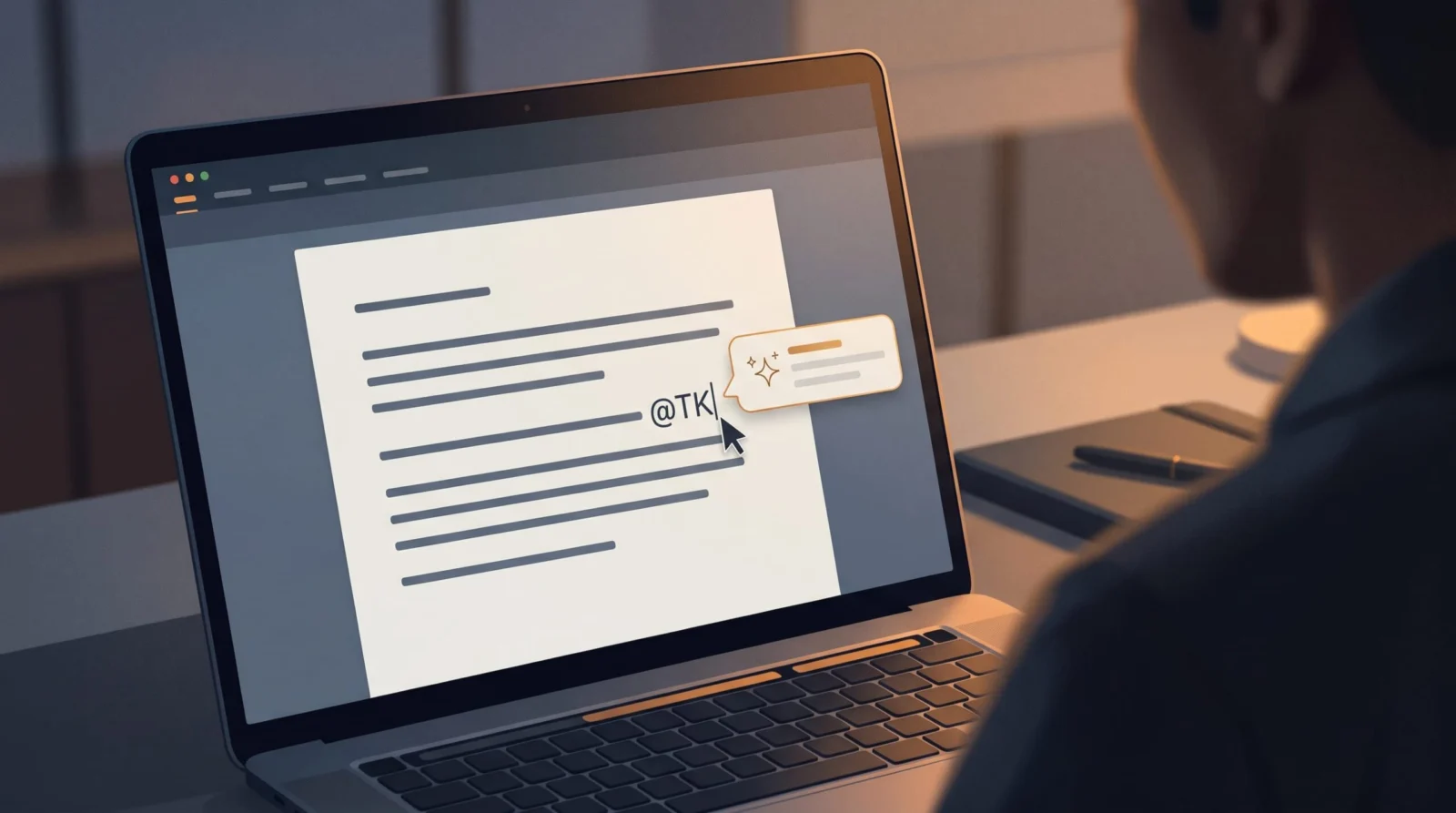
Medium launched the TK app on November 9, 2026, for writers and content creators. It integrates an AI assistant directly into the editor via the "@TK" command to help with fact-checking, editorial feedback, and style matching, while offering tools to transparently disclose AI use in published notes TechCrunch.
You know the friction of drafting a long piece: you stop your flow to check a date in another tab or struggle to nail a headline that fits a specific publication's vibe. Medium is trying to kill that distraction with a new tool called TK.
The Medium TK app puts an AI assistant inside your editor. Instead of copying and pasting text into a separate chatbot, you can now prompt the AI without ever leaving your draft.
We will look at how this changes your writing workflow, the new transparency tools for AI disclosure, and how to connect your own AI agents to the system.
Key takeaways
- Use the @TK command to ask for facts or editorial help inside the editor.
- Publishers can now add transparency notes explaining exactly how AI was used.
- The tool is free for anyone with a Medium account.
- You can link your own AI agent via MCP server or Claude skill.
How the Medium TK app works
Medium designed the TK app to act as a live assistant that lives inside the writing interface. The name comes from the journalism term "TK" (meaning "to come"), which writers traditionally use as a placeholder for missing information TechCrunch. Now, you can trigger the AI by typing "@TK" followed by a request.
This allows you to handle small interruptions, like verifying how many days are in a specific month, without switching tabs. Beyond simple facts, the app can retrieve snippets of text you previously saved while brainstorming. It also comes with built-in skills for editorial and headline feedback, specifically designed to help your draft match the style guides of various Medium publications TechCrunch.
For those who want a more personalized experience, TK can connect to your own AI agent. By using a Claude skill or TK's MCP server, the app can access your agent's memory. This means the assistant can better understand your specific positions, project history, and unique ideas, making the suggestions feel less generic and more aligned with your personal voice.
artificial intelligence makes writing more important, not less
Medium, Blog Post
At a glance
| Detail | What we know |
|---|---|
| Launch Date | November 9, 2026 |
| Primary Command | @TK |
| Price | Free for Medium account holders |
| Platform | Web (Desktop app on roadmap) |
| File Support | Import/Export Markdown |
| Security | Not encrypted; uses access control permissions |
| Integrations | MCP server and Claude skill |
How Medium TK addresses AI transparency
Medium is launching this tool during a period of high tension in the literary world. Many authors have lost book deals and literary awards have been questioned due to suspicions of AI usage TechCrunch. There is a widespread fear that AI suggestions will eventually replace the writer's own thoughts rather than just assisting them.
To combat this, the TK app introduces a system for AI provenance. Authors can now publish notes that clearly explain how AI was used in the creation of a piece TechCrunch. Medium believes that making the prompting and source material inspectable is a requirement for publishing in the AI era.
While the company admits that AI can lead to low-quality content and a blurred line between human and machine writing, they argue that AI actually amplifies human intelligence. By providing a way to be transparent about the process, Medium hopes to maintain trust with readers while still giving creators the efficiency of AI assistance.
Writers switched between their draft and a separate AI tab for facts and editing.
Writers use @TK directly in the editor to get immediate AI assistance.
You stay in your creative flow longer and can easily disclose AI use to readers.
- The specific release date for the desktop app
- Which specific AI models power the @TK assistant by default
- Whether the free tier has a monthly prompt limit
Medium TK technical specs and integrations
The TK app is currently available on the web, with a dedicated desktop app planned for the future TechCrunch. While it is not a native Markdown app, it supports both importing and exporting Markdown files, making it easy to move your work into other tools from our AI tools directory.
Collaboration is a core focus of the app. Medium has included a social layer that lets writers share early drafts with others to get human feedback alongside the AI's suggestions TechCrunch. Because of this collaborative design, the writing in TK is not encrypted.
To manage privacy, users can set specific access control permissions on their work. This allows you to decide who can see your drafts and how they can interact with them. For those who need help refining their prompts before using them in TK, we recommend using our Prompt Improver to get the best possible editorial feedback from the @TK assistant.
Hype vs reality
AI makes writing more important, not less
AI makes drafting faster, but the risk of low-quality, generic content remains high.
How it compares
| Feature | Medium TK | External AI (ChatGPT/Claude) |
|---|---|---|
| Workflow | Integrated (@TK command) | Tab-switching / Copy-paste |
| Disclosure | Built-in provenance notes | Manual disclosure |
| Context | Can link to personal AI agent | Manual context upload |
| Feedback | Medium-specific style guides | General writing advice |
What it means for you
Content Creators
You can match Medium's style guides and generate headlines without leaving the page.
Do this: Try the @TK command for headline feedback on your next draft.
Freelance Journalists
The provenance notes help you maintain professional integrity by disclosing AI assistance.
Do this: Set up a standard AI disclosure note for your published pieces.
Students
Quickly verify small facts and organize saved ideas within one interface.
Do this: Use TK to pull in previously saved research snippets while drafting.
Who should care (and who can skip it)
Worth your time if you…
- You publish regularly on Medium
- You hate switching tabs during a writing session
- You use a personal AI agent via MCP or Claude
You can skip it if you…
- You only write in offline, encrypted editors
- You avoid all AI assistance in your prose
How to try the TK app
- Log in to Medium Ensure you have an active Medium account to access the tool for free.
- Open the TK interface Access the TK app via the web browser.
- Trigger the AI Type @TK followed by your request (e.g., @TK check this headline) inside your draft.
- Add provenance notes Before publishing, use the transparency tool to explain how you used AI.
Gets editorial feedback and headline options in one go.
@TK please review the last three paragraphs of this draft. Suggest two ways to make the tone more aligned with Medium's style guide for [TOPIC, e.g., Tech Analysis] and suggest three punchy headlines.Connect your AI agent via the MCP server first. This allows @TK to remember your specific views and project history, making the suggestions much more accurate to your voice.
Relying on @TK for complex fact-checking without verifying. Use it for quick lookups, but always double-check critical data before publishing.
What to watch next
- Desktop app release Will likely offer better integration with system-level shortcuts and offline drafting.
- AI detection tool updates As TK makes AI use easier, detection tools may change how they flag 'assisted' vs 'generated' text.
Our take
TK is a smart quality-of-life update for Medium writers that removes the 'tab-switching tax.' While the provenance notes are a good attempt at ethics, they don't solve the deeper industry fear of AI-generated prose. It is a highly useful tool if you already live in the Medium ecosystem.
Draft your next Medium post using the @TK command for headline variations to see if it improves your click-through rate.
Your next step
- Prompt hubWriting & Content prompts
Find professional prompts to refine your AI-assisted drafts.
- Prompt hubCreators & Social prompts
Learn how to distribute your Medium content across social platforms.
- Free toolVideo to Prompt
Questions people ask
What does TK stand for in the Medium app?
In publishing, TK stands for "to come." Medium used this term for the app because it is a standard placeholder used by journalists to mark missing information that will be added later.
Is the Medium TK app free to use?
Yes, Medium has announced that TK is a free tool for anyone who has a Medium account.
Can I use my own AI agent with TK?
Yes, the TK app can connect to your own AI agent through a Claude skill or TK's MCP server so it can understand your specific projects and ideas.
Is my writing encrypted in the TK app?
No, the writing in TK is not encrypted because the app is designed for collaboration, though you can set access control permissions on your work.
Does TK support Markdown files?
TK can import and export Markdown files, although the app itself is not a dedicated Markdown editor.
Sources
- techcrunch.com – Medium's new TK app brings AI assistance directly into the writing process | TechCrunchUsed for: All claims regarding TK app features, pricing, and provenance notes.Report
Sources checked . We update this story when details change.
Written with AI assistance from the sources above and checked against them before publishing. Spotted an error? Tell us and we will fix it.