
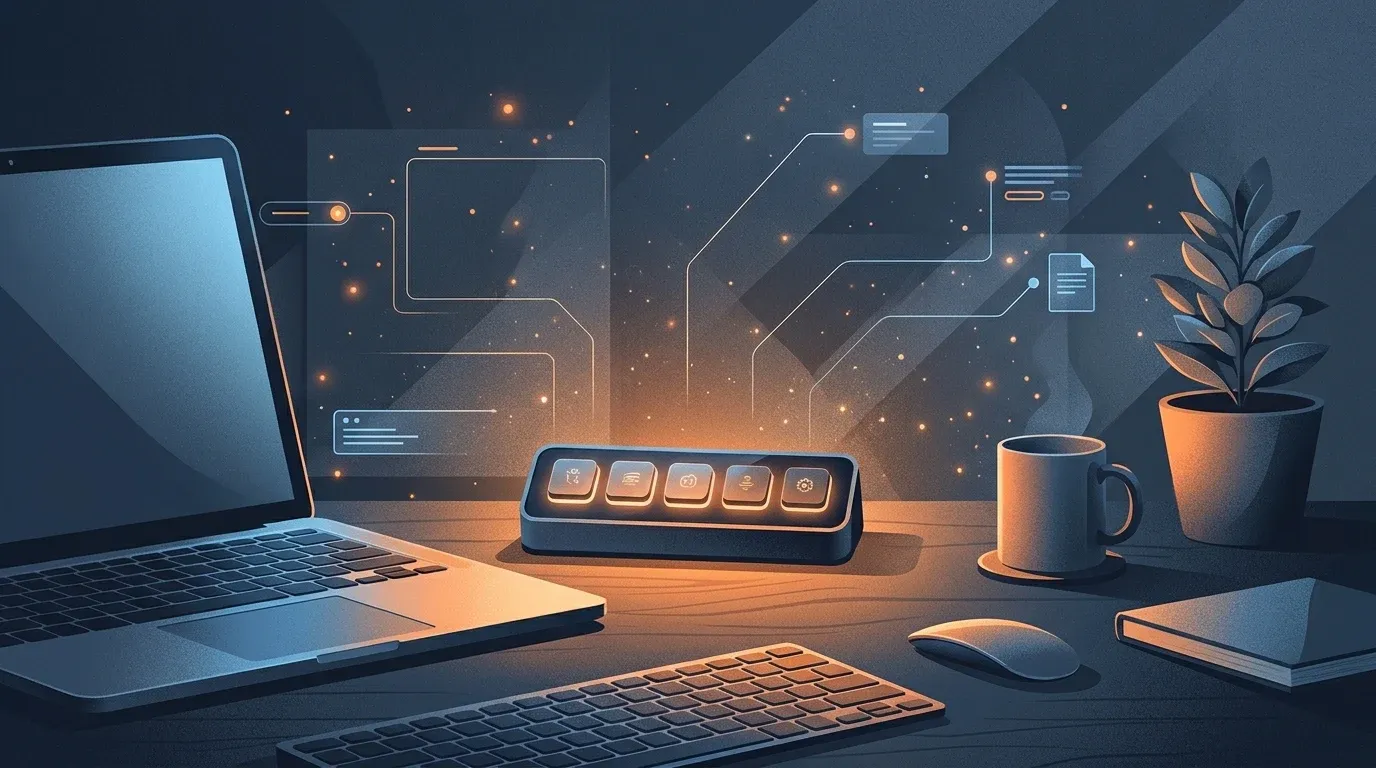
Genspark's SecondBrain VoicePad is a rumored five-button AI gadget designed for hands-free typing and app control. While official records and press releases have not yet been verified, the device aims to provide content creators and professionals with physical shortcuts to manage AI workflows more efficiently.
Genspark's SecondBrain VoicePad is entering the conversation around dedicated AI hardware. This five-button gadget is designed to provide hands-free typing and app control, moving AI interaction away from the keyboard and into a more tactile, physical space.
If you spend your day prompting ChatGPT or Claude, the idea of a dedicated shortcut device is an interesting shift. We are looking at a tool that could potentially change how you manage multiple AI apps without constant manual input.
We will look at what this device aims to do, who it is actually for, and the current lack of official documentation regarding its release.
Key takeaways
- The device features five physical buttons for shortcuts.
- It aims to enable hands-free AI typing and app control.
- Official pricing and availability are not yet announced.
- It targets professionals and content creators specifically.
What the SecondBrain VoicePad does
The SecondBrain VoicePad is a compact hardware device featuring five physical buttons. According to the reported details, these buttons are intended to act as shortcuts for hands-free AI typing and controlling various applications. Instead of manually clicking through menus or typing long strings of text, users could potentially trigger specific AI actions with a single press.
This approach targets the friction found in current AI workflows. For many, the bottleneck isn't the AI's intelligence, but the speed at which we can input commands. A physical device like this attempts to bridge that gap by providing a dedicated interface that sits alongside your computer or mobile setup. While the specific mapping of these five buttons remains unknown, the goal is clearly focused on reducing the time spent on repetitive manual tasks.
At a glance
| Detail | What we know |
|---|---|
| Who | Genspark |
| What | SecondBrain VoicePad |
| Buttons | 5 |
| Primary Function | Hands-free typing and app control |
| Official Records | No official records or press releases exist |
| Price | Not announced |
| Availability | Not announced |
Why creators and professionals need physical shortcuts
Content creators and professionals stand to benefit most from a device like the SecondBrain VoicePad. For a YouTube creator or a social media manager, switching between a video editor, a script generator, and a caption tool can break focus. A five-button controller could allow them to trigger an AI summary or a prompt without ever leaving their primary creative environment.
Teachers and students might also find utility in hands-free control. If you are presenting a lesson or taking notes, being able to command an AI assistant through a physical button rather than a keyboard allows for a more natural flow. This is particularly useful for those who rely on AI models guide to assist in rapid research or content structuring. The device essentially tries to turn AI interaction into a muscle-memory task rather than a constant typing task.
You manually type every prompt and click through menus to control AI apps.
A five-button device offers physical shortcuts for hands-free interaction.
You could manage AI workflows faster without constant keyboard input.
5
5 buttons are the core of the SecondBrain VoicePad hardware.
- Official release date
- Retail price
- Compatible software and apps
- Battery life and connectivity
The current status of the launch
Genspark has not yet released official press releases or verified reports regarding the SecondBrain VoicePad. As of November 27, 2026, there is no confirmed information on the device's price, exact technical specifications, or its official launch date. This means that while the concept is clear, the practical details are still missing.
We advise caution when looking for pre-orders or specific compatibility lists. Until Genspark provides official documentation, we cannot confirm which operating systems or specific AI tools the VoicePad will support. For now, it remains a concept that promises to change how we interact with AI, but it is not yet a product you can buy. We will continue to monitor for any official updates from the company.
Hype vs reality
A complete hands-free AI revolution
A five-button shortcut device for specific app controls
How it compares
| Feature | Standard Workflow | SecondBrain VoicePad |
|---|---|---|
| Input Method | Manual Typing | 5-Button Shortcuts |
| App Switching | Mouse/Keyboard | Hands-free Control |
| Speed | Variable | Potential for faster triggers |
What it means for you
If you are a content creator
It could speed up your script-to-video or captioning workflows.
Do this: Audit your current AI prompts to see which ones deserve a shortcut.
If you are a busy professional
It might reduce the mental load of managing multiple AI tools.
Do this: Identify repetitive AI tasks you perform daily.
Who should care (and who can skip it)
Worth your time if you…
- You use multiple AI tools daily
- You want to reduce keyboard time
- You work in content creation
You can skip it if you…
- You prefer a mouse-only workflow
- You rarely use AI for work
- You want a full-sized macro pad
How to get ready for the launch
- Watch for official news Keep an eye on Genspark's official website for verified press releases.
- Map your shortcuts List the five most common AI actions you perform to prepare for the device.
- Check your hardware setup Ensure you have a USB or Bluetooth-ready workspace for new peripherals.
A versatile prompt to test how quickly an AI can respond to your core needs.
I am a [YOUR PROFESSION]. Please write a [TYPE OF CONTENT] about [TOPIC] in a [TONE] style, focusing on [SPECIFIC DETAIL].
If you get a shortcut device, focus on 'one-click' commands like 'summarize this' or 'fix grammar' to get the most value.
Assuming the device will replace your keyboard; instead, treat it as a high-speed companion for specific tasks.
What to watch next
- Official Genspark press release This will confirm the price and actual technical specs.
- Third-party hardware reviews To see if the five buttons are actually useful in real-world tasks.
Our take
The SecondBrain VoicePad concept is promising for anyone tired of the 'type-wait-copy' AI loop. However, without official details or a confirmed release date, it is currently more of an interesting idea than a usable tool. Wait for verified specs before planning your purchase.
List your five most frequent AI-related tasks this week.
Your next step
- NewsMore AI news
Stay updated on any official Genspark announcements.
- By professionPrompts for your job
Find better prompts to use once you have your shortcuts.
- Free toolVideo to Prompt
Questions people ask
Is the Genspark SecondBrain VoicePad available to buy?
No, the SecondBrain VoicePad is not currently available for purchase. There are no official records or press releases confirming its release date or pricing at this time.
What can the SecondBrain VoicePad actually do?
The device is designed to provide five physical buttons for hands-free AI typing and app control. It aims to act as a shortcut tool for professionals and creators using AI.
Who is the SecondBrain VoicePad for?
The device is intended for content creators, students, and professionals who use AI tools frequently and want to speed up their workflows through physical shortcuts.
Will it work with all AI tools?
Compatibility has not been announced. Because there are no official technical details yet, we do not know which specific AI apps or operating systems will be supported.
Sources checked . We update this story when details change.
Written with AI assistance from the sources above and checked against them before publishing. Spotted an error? Tell us and we will fix it.