
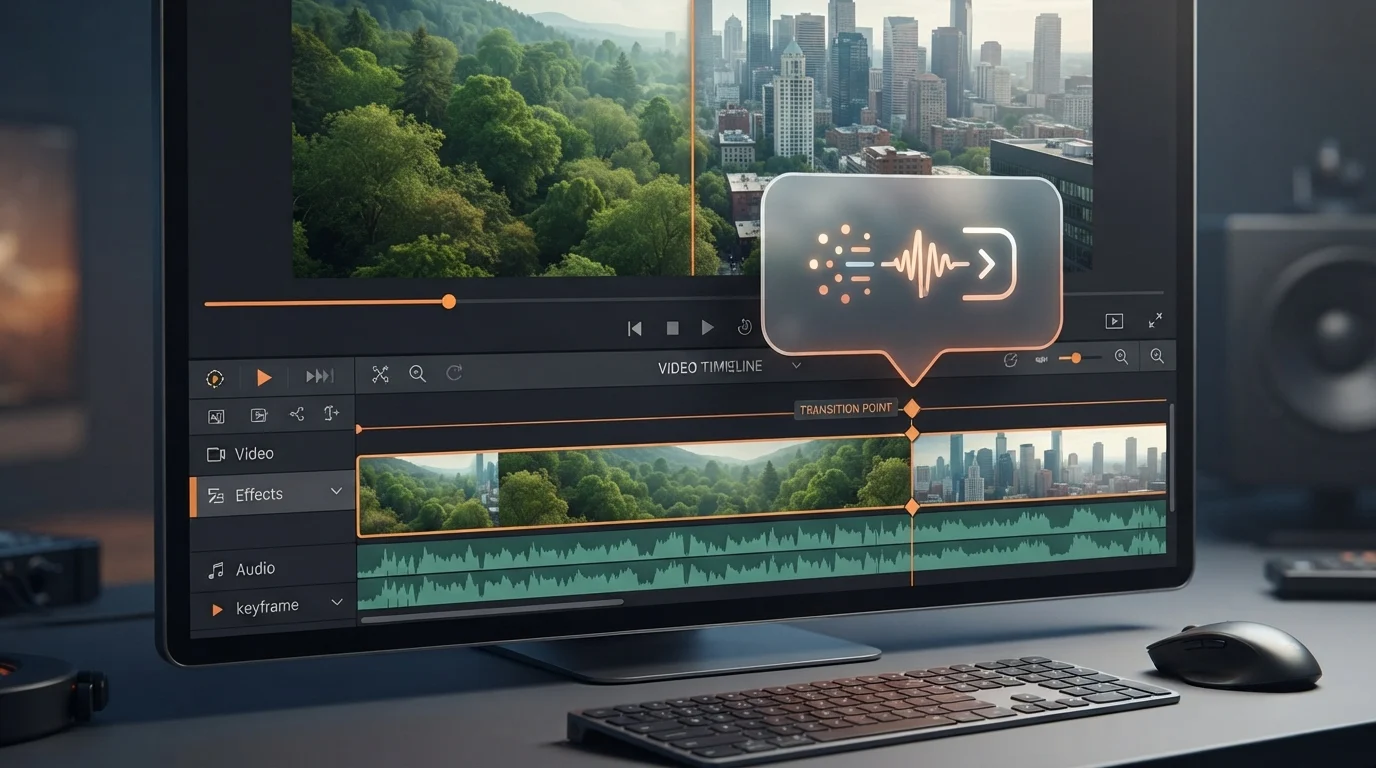
Gemini Omni 1.2 Flash is a new AI model from Google that generates native 15-second video clips with improved consistency and a 30% price reduction. Available now for developers, business users, and Google Vids users, it introduces multi-turn conversational editing to refine videos without starting over.
Google just made AI video production significantly cheaper and more flexible. If you have tried generating AI video, you know the frustration of visual drift—where a character's face or a product's logo changes halfway through the clip.
Gemini Omni 1.2 Flash addresses this by extending clip lengths to 15 seconds and introducing a way to edit videos through a conversation. You no longer have to re-generate a whole scene just to change the background or the lighting.
Here is exactly how the new model changes your workflow, what it costs, and how to start using it today.
Key takeaways
- Video clips now reach 15 seconds, up from 10 seconds.
- API costs dropped 30% to $0.07 per second for 720p.
- Conversational editing lets you change details without starting over.
- Draft at low resolution and upscale to 4K to save money.
What Gemini Omni 1.2 Flash changes for video costs
Gemini Omni 1.2 Flash reduces the cost of AI video by 30%, bringing the price to $0.07 per second for 720p video deepmind.google. This makes it more viable for small businesses to produce video at scale without blowing their budget on failed attempts.
Google has introduced a workflow specifically to keep these costs down blog.google. You can now draft your ideas quickly at 360p or 720p to check the composition. Once you have a version you like, you can fix a specific detail with a follow-up edit instead of re-generating the entire clip, and finally upscale your best creations to 1080p or 4K deepmind.google.
The model also extends the native clip length from 10 seconds to 15 seconds blog.google. You can specify the exact duration in one-second increments from 3 to 15 seconds. This extra time allows for more complete product explainers or full social ad spots in a single generation, reducing the need to stitch multiple short clips together [deepmind.google](https://deepmind.google/blog/gemini-omni-12-flash-fast-and-cost-effective-with-longer-clips ARTICLE).
At a glance
| Detail | What we know |
|---|---|
| Max Clip Length | 15 seconds |
| Price (720p) | $0.07 per second |
| Price Change | 30% reduction from Omni 1.1 |
| Apps | Google Vids, Gemini app, Google Ads, Gemini API, Flow |
| Who can use it | Google account holders, Workspace users, AI Ultra subscribers |
| Max Resolution | 4K (via upscaling) |
| Security | SynthID watermarking |
How Google improved video consistency and editing
Google improved how the model follows references, meaning faces, brand colors, and packaging typography stay consistent across different camera angles blog.google. You can guide the AI by combining style images, audio cues, and short motion clips up to three seconds long deepmind.google. For example, combining a model photo with product shots can create a 15-second virtual try-on sequence where the garment's drape and cut remain stable during 360-degree turns deepmind.google.
The most significant workflow change is multi-turn conversational editing blog.google. You can now ask the AI to swap a background, change the weather, or adjust the lighting on an existing clip without re-generating the whole thing from scratch deepmind.google. In one test, a clip's background was swapped turn-by-turn from a pavilion tent to an oak forest, a stable, a market fair, and a stone castle, all while keeping the characters' performances and camera framing intact blog.google.
Google also added more controllable, cinematic camera movements deepmind.google. The model can now handle continuous FPV drone flights or dramatic zoom-outs with fewer jump cuts. One example shows a continuous flight through the Pantheon's bronze doors and up to the oculus with zero cuts blog.google.
10-second clips that often required full re-generation for small changes.
15-second clips with multi-turn conversational editing to fix details.
Lower costs and faster iterations for social ads and product explainers.
30%
30% price reduction from Gemini Omni 1.1 to make high-quality video production more affordable.
- Specific rollout dates for all Gemini app users
- Exact pricing for 1080p and 4K upscaling
Where to access Gemini Omni 1.2 Flash today
Gemini Omni 1.2 Flash is now generally available across several Google platforms deepmind.google. For the average user, 15-second clips are available at no additional cost inside Google Vids for those with a Google account or Workspace subscription blog.google. Google AI Ultra subscribers can access these capabilities within the Gemini app as it rolls out deepmind.google.
Businesses can use the model through Gemini for business, Google Ads, or the Google Cloud console blog.google. Developers can prototype using the Gemini API in Google AI Studio deepmind.google.
For those creating complex scenes, the model is also available in Flow for directing scenes and multi-turn edits blog.google. All outputs include an imperceptible SynthID watermark to ensure authenticity and security [deepmind.google](https://deepmind.google/blog/gemini-omni-12-flash-fast-and-cost-effective-with-longer-clips ARTICLE).
Hype vs reality
Perfect for all professional video production.
Google notes that fast sports action and complex physics are still being improved.
Instant 4K video generation.
The efficient workflow requires drafting at 360p/720p first, then upscaling.
How it compares
| Feature | Omni 1.1 Flash | Omni 1.2 Flash |
|---|---|---|
| Max Duration | 10 seconds | 15 seconds |
| Editing | Full re-generation | Conversational |
| Pricing | Standard | 30% lower |
| Consistency | Moderate drift | Strong reference adherence |
What it means for you
If you run a small business
You can create branded product videos using your existing photography as a reference.
Do this: Try creating a virtual try-on clip in Google Vids.
If you are a social media creator
15-second clips fit perfectly into Reels or TikTok without needing complex splicing.
Do this: Use the Viral Video Prompt Builder to draft your first 15s scene.
If you are an AI developer
Lower API costs make it cheaper to build video-generation tools for clients.
Do this: Check the new pricing in Google AI Studio.
Who should care (and who can skip it)
Worth your time if you…
- You need consistent characters across AI videos
- You produce short-form social ads
- You want to lower your AI API spend
You can skip it if you…
- You only need static images
- You require complex physics or high-speed sports action
How to try Gemini Omni 1.2 Flash
- Open Google Vids Sign in with your Google or Workspace account to access the tool.
- Generate a draft Create a clip at 360p or 720p to keep initial costs and time low.
- Refine via chat Use multi-turn prompts to swap backgrounds or lighting without restarting.
- Upscale the winner Once the clip is perfect, upscale the final version to 1080p or 4K.
This tests the new length and the improved reference adherence.
Generate a 15-second video of [PRODUCT NAME] on a [BACKGROUND DESCRIPTION]. Ensure the [SPECIFIC DETAIL, e.g., logo] remains consistent throughout a 360-degree camera orbit.
Always draft in 360p first. It is faster and cheaper to find the right composition before committing to a high-resolution upscale.
Trying to generate a 4K clip perfectly on the first try. Instead, use conversational editing to fix the 720p version first.
What to watch next
- Physics updates Google is still working on complex physics; look for updates to make movement more realistic.
- Sports action rollout Fast-action scenes are currently a limitation and will be a key marker of the next version.
Our take
This is a practical step forward rather than a total overhaul. The 30% price cut and conversational editing are the real wins for people actually producing content. The biggest caveat is that complex physics and rapid sports action are still being improved.
Create one 15-second product explainer in Google Vids this week to test the consistency.
Your next step
- GuideAI models guide
Compare Flash’s speed against Pro for your specific video needs.
- Free toolToken & Cost Calculator
Estimate your monthly spend with the new $0.07 per second rate.
- Free toolVideo to Prompt
Questions people ask
How much does Gemini Omni 1.2 Flash cost?
Gemini Omni 1.2 Flash costs $0.07 per second for 720p video (deepmind.google)(https://deepmind.google/blog/gemini-omni-12-flash-fast-and-cost-effective-with-longer-clips/). This represents a 30% price reduction compared to the previous 1.1 version (blog.google)(https://blog.google/innovation-and-ai/technology/developers-tools/introducing-gemini-omni-1-2-flash!).
Can I edit an AI video without starting over?
Yes, Gemini Omni 1.2 Flash supports multi-turn conversational editing (blog.google)(https://blog.google/innovation-and-ai/technology/developers-tools/introducing-gemini-omni-1-2-flash!). You can ask the AI to change specific details like the background or lighting while keeping the rest of the clip intact (deepmind.google)(https://deepmind.google/blog/gemini-omni-12-flash-fast-and-cost-effective-with-longer-clips ARTICLE).
What is the maximum length of a video clip?
The maximum length is 15 seconds (deepmind.google)(https://deepmind.google/blog/gemini-omni-12-flash-fast-and-cost-effective-with-longer-clips ARTICLE). You can specify the duration in one-second increments from 3 to 15 seconds (blog.google)(https://blog.google/innovation-and-ai/technology/developers-tools/introducing-gemini-omni-1-2-flash!).
Is Gemini Omni 1.2 Flash free to use?
It is available at no additional cost in Google Vids for users with a Google account or Workspace subscription (blog.google)(https://blog.google/innovation-and-ai/technology/developers-tools/introducing-gemini-omni-1-2-flash!). API usage is paid, while Gemini app access is rolling out to AI Ultra subscribers (deepmind.google)(https://deepmind.google/blog/gemini-omni-12-flash-fast-and-cost-effective-with-longer-clips ARTICLE).
How does the model maintain consistency?
Gemini Omni 1.2 Flash uses reference adherence to keep faces, brand colors, and typography stable (deepmind.google)(https://deepmind.google/blog/gemini-omni-12-flash-fast-and-cost-effective-with-longer-clips ARTICLE). It can combine images, audio, and short motion clips to guide the generation (blog.google)(https://blog.google/innovation-and-ai/technology/developers-tools/introducing-gemini-omni-1-2-flash!).
Sources
- deepmind.google – Gemini Omni 1.2 Flash: 15-second video and lower pricingUsed for: Pricing, clip length, and general availability claims.Official
- blog.google – Gemini Omni 1.2 Flash: 15-second video and lower pricingUsed for: Conversational editing and reference adherence details.Official
Sources checked . We update this story when details change.
Written with AI assistance from the sources above and checked against them before publishing. Spotted an error? Tell us and we will fix it.