
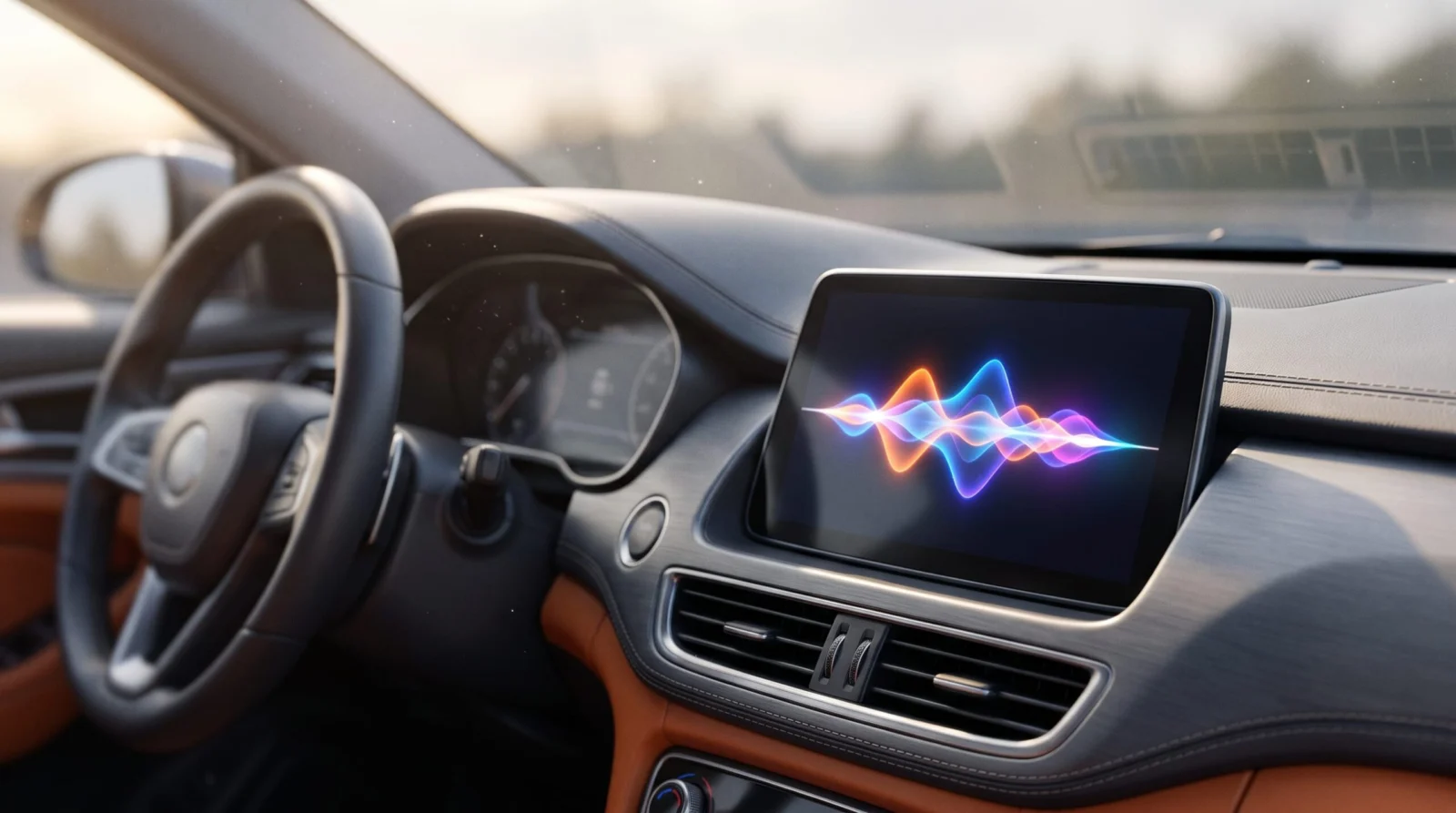
Google has launched the Gemini app for Apple CarPlay, bringing the Gemini Live conversational experience to iOS users globally starting November 11, 2026 [1]. This allows drivers to use voice commands to manage Google Workspace tasks, brainstorm ideas, and get local recommendations while keeping their eyes on the road [1].
You can finally stop switching between apps or fighting with basic voice commands during your morning commute. Google has brought the Gemini app to Apple CarPlay, meaning you can now have full, back-and-forth conversations with Gemini Live while you drive [1].
This isn't just a set of basic shortcuts. It is a conversational companion that connects to your Gmail and Calendar, designed to help you prep for meetings or brainstorm ideas without taking your hands off the wheel [1].
We will look at how to set it up, what it actually does for your workflow, and a new high-end model Google just released for power users [2].
Key takeaways
- Gemini Live is now available on Apple CarPlay for iOS users globally [1].
- You can voice-summarize emails and check your calendar via Google Workspace integration [1].
- Conversations sync between your car display and your iPhone Gemini app [1].
- Update your Gemini app and use Gemini Live on your phone once to enable the CarPlay icon [3].
What Gemini on CarPlay does for your drive
Google has designed the Gemini app for CarPlay to act as a voice-first assistant that handles complex tasks while you drive [1]. The interface is simple, using a waveform to show when the AI is listening, thinking, or speaking, with clear buttons to mute or end the session [1].
Because it connects to your Google Workspace, you can ask for a daily brief or have Gemini summarize long email threads from specific people [1]. For example, you can ask it to catch you up on unread emails or summarize a budget thread while you are heading to the office [1].
Beyond logistics, the app works as a sounding board. You can use the quiet of your car to roleplay a sales pitch or ask the AI to explain complex topics, like how solid-state batteries work, in simple terms [1]. If the AI misses a detail, you can interrupt it mid-sentence to correct it or change the subject, just as you would on your phone [1].
Gemini on CarPlay to work like a conversational driving companion that minimizes distraction
Google, Official Statement
At a glance
| Detail | What we know |
|---|---|
| Release Date | November 11, 2026 |
| Platform | Apple CarPlay (iOS) |
| Key Feature | Gemini Live conversational voice AI |
| Integration | Google Workspace (Gmail, Calendar) |
| Availability | Global rollout |
| Requirement | Latest Gemini app version and microphone permissions |
| UI Elements | Waveform indicator, End and Mute buttons |
How Gemini fits into the CarPlay AI ecosystem
Google was the last major AI chatbot to join the CarPlay lineup [3]. Other conversational tools like ChatGPT, Claude, Perplexity, Copilot, Meta AI, and Grok already had support for the platform [3]. Even Siri now has a standalone app in iOS 27 that works with CarPlay [3].
While Google previously offered some Gemini features through Google Maps, this new dedicated app provides the full Gemini Live experience [3]. This means you get a more fluid, human-like conversation rather than a series of rigid commands [1].
For those who need more than just a driving assistant, Google also released the Gemini 4 Carbon model for AI Ultra subscribers [2]. While Carbon is overkill for most driving tasks, it is built for the most complex work, such as multi-step coding and scientific research [2]. You can check which model fits your needs using our AI Model Picker.
Gemini features were limited to Google Maps on CarPlay.
A dedicated Gemini app provides full Gemini Live voice conversations.
You can now manage your entire Google Workspace via voice while driving.
3X
3X fewer tokens are used by Gemini 4 Carbon than the next best model in MKA benchmarks [2].
- Whether there will be a free tier for the Carbon model beyond the AI Ultra subscription [2].
- If Apple will allow Gemini to replace Siri as the default system assistant in future iOS versions [3].
Gemini 4 Carbon and the cost of high-end AI
Google is shifting its model strategy by introducing Gemini 4 Carbon for users who test the limits of AI intelligence [2]. This model replaces Gemini 3.1 Pro in the app and is specifically designed for high-precision knowledge work, such as generating polished spreadsheets and reports for legal or finance sectors [2].
For developers, Carbon supports complex architectural redesigns and can run build-and-verify loops for web apps [2]. It also ranks first in the new Multimodal Knowledge Agents (MKA) benchmark, using 3X fewer tokens than its closest competitor [2].
There is a limited-time pricing window for Carbon. Until November 30, it costs $2 per million input tokens and $10 per million output tokens [2]. After that date, the price doubles to $4 per 1M input and $20 per 1M output tokens [2]. If you are tracking your API spend, our Token and cost calculator can help you plan for the December price hike.
Hype vs reality
A revolution in driving productivity.
It is a voice interface for existing Gemini features, similar to what ChatGPT already offers on CarPlay [3].
What it means for you
Busy professionals
You can turn your commute into a prep session for your first meeting.
Do this: Ask Gemini to summarize your unread emails during your next drive.
Content creators
The car becomes a private space to brainstorm and rehearse scripts.
Do this: Roleplay a difficult interview or pitch using Gemini Live.
Developers
Access to the Carbon model allows for deeper reasoning on complex architectural tasks.
Do this: Try the Carbon model in AI Studio before the November 30 pricing change.
Who should care (and who can skip it)
Worth your time if you…
- You use Google Workspace for your professional life.
- You drive an iOS-compatible car.
- You prefer voice interactions over typing.
You can skip it if you…
- You already use ChatGPT or Claude as your primary car AI.
- You don't use Google services for email or calendar.
How to get Gemini on your car display
- Update the app Install the latest version of the Gemini app on your iPhone [1].
- Set permissions Enable microphone permissions in your iPhone settings [3].
- Activate Live Use Gemini Live on your phone at least once to prime the system [3].
- Connect to car Plug into CarPlay and tap the Gemini icon on your screen to start [3].
Uses Workspace integration and roleplay to prep for a meeting while driving.
I have a meeting at [TIME] with [PERSON/TEAM] about [TOPIC]. Based on my recent emails and calendar, what are the three most important points I should bring up, and can we roleplay how they might push back on my strategy?
If Gemini gives a response that is too long for a drive, interrupt it and say 'give me the bullet points' to keep it concise.
Trying to launch the CarPlay app without using Gemini Live on the phone first. You must use the mobile version once to enable the car icon [3].
What to watch next
- November 30, 2026 The introductory pricing for Gemini 4 Carbon ends, and costs will double [2].
- iOS 28 updates To see if Apple allows deeper integration for third-party bots beyond the app drawer [3].
Our take
Gemini on CarPlay is a win for Google Workspace users who want their AI to actually know their schedule and emails. However, for those not in the Google ecosystem, it offers very little that ChatGPT or Claude doesn't already do. The real value is the integration, not the voice tech itself.
Update your Gemini app today and run one voice prompt on your phone so it's ready for your next drive.
Your next step
- Free toolAI Model Picker
Compare Argon and Carbon to see which model fits your work (2).
- By professionPrompts for your job
Find more professional prompts to use during your commute.
- Free toolToken & Cost Calculator
Calculate your costs before Carbon’s price increase on Nov 30 (2).
Questions people ask
Is the Gemini app for CarPlay free?
The basic Gemini app and CarPlay integration are available to users, but the high-end Carbon model requires an AI Ultra subscription (2).
Does Gemini on CarPlay sync with my phone?
Yes, all conversations you have through the CarPlay app sync directly with the Gemini app on your iPhone (1).
Can I use Gemini to read my emails while driving?
Yes, Gemini connects to Google Workspace, allowing you to ask for daily briefs or summaries of Gmail threads via voice (1).
What is the difference between Gemini 4 Argon and Carbon?
Gemini 4 Argon is designed for general code and analysis, while 4 Carbon is built for the most complex tasks like scientific research and deep architectural design (2).
Which countries can use Gemini on CarPlay?
Google is rolling the app out globally to all iOS users across every supported Gemini Live language (1).
Sources
- 9to5google.com – Google rolling out Gemini app for CarPlayUsed for: Gemini CarPlay rollout, features, and Workspace integrationReport
- 9to5google.com – Gemini 4 Carbon rolling out to Gemini app for AI Ultra, Argon remainsUsed for: Gemini 4 Carbon model, benchmarks, and pricingReport
- 9to5mac.com – Google Gemini coming to CarPlay – 9to5MacUsed for: CarPlay ecosystem context and setup requirementsReport
Sources checked . We update this story when details change.
Written with AI assistance from the sources above and checked against them before publishing. Spotted an error? Tell us and we will fix it.