
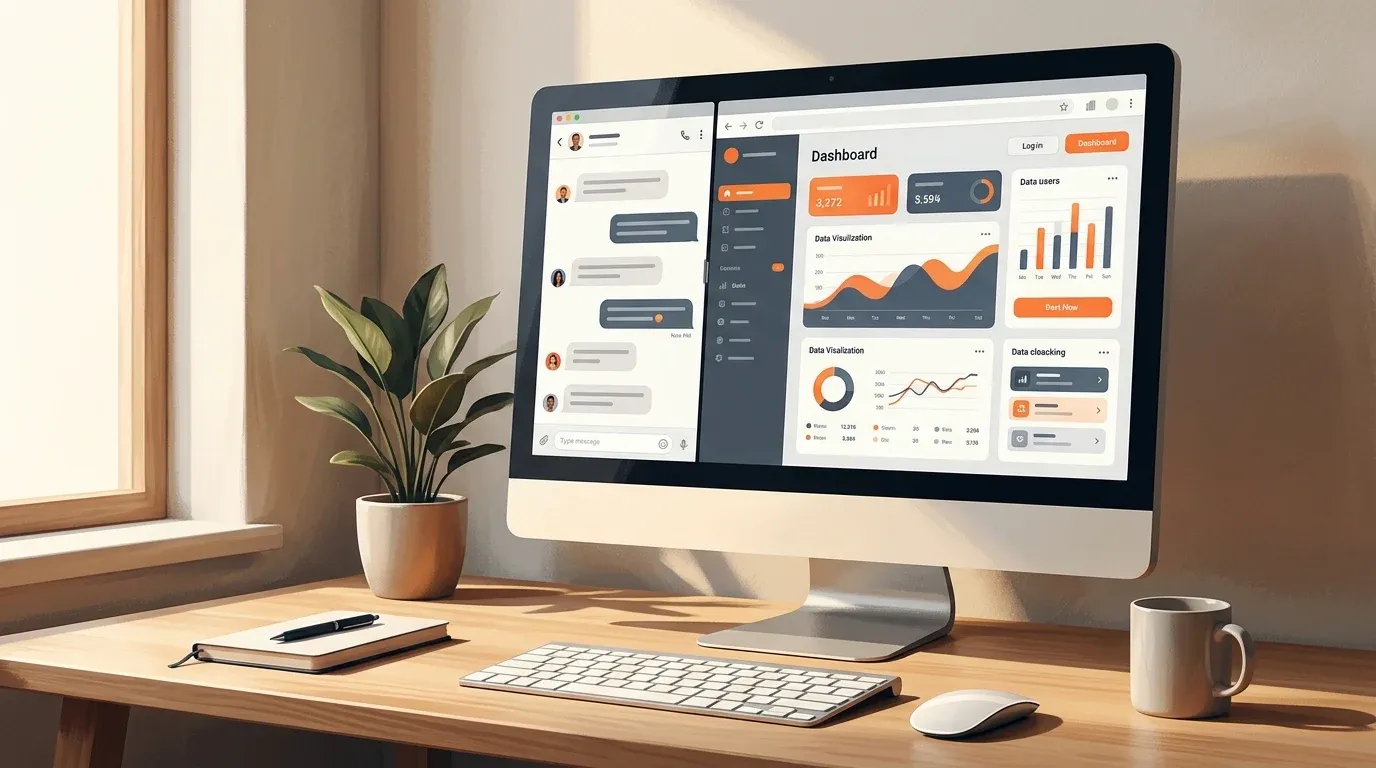
Claude Artifacts is a feature that allows users to generate and render code, websites, and single-page web applications in a side-by-side window. While it does not create native desktop files like .exe or .app directly, it enables anyone to build and use functional web-based tools for free.
You may have seen headlines claiming Claude can now build desktop applications for you on the free plan. If you are looking for a way to download a finished Mac or Windows program with one click, you might be disappointed.
The truth is more practical. Claude uses a feature called Artifacts to build, preview, and run web-based applications right inside your browser window. This means you can create custom calculators, dashboards, or organizers without writing a single line of code.
We will explain exactly what Claude can do, what it cannot do, and how you can use these tools to make your daily work easier.
Key takeaways
- Artifacts lets you build web apps using React and Tailwind CSS.
- The feature is available to all users, including those on the free plan.
- You can preview your app instantly in a side-by-side window.
- It builds web applications, not native desktop software files.
What Claude Artifacts actually does
Claude Artifacts is a feature that allows the AI to generate and render code, websites, and single-page web applications in a dedicated side-by-side window [Anthropic]. Instead of just giving you a block of text that looks like code, Claude shows you the actual working product. You can click buttons, enter data, and see the interface react in real-time.
This feature was launched on June 20, 2024, and is available to everyone, including those using the free tier [Anthropic]. It uses modern web technologies like React, HTML, and Tailwind CSS to make these apps look professional and run smoothly. Because it is available globally, you can start building tools immediately regardless of your location.
While these are technically web applications, they feel like real software. If you ask Claude to build a simple task manager or a budget calculator, it doesn't just tell you how to make one; it builds it and puts it on your screen for you to use.
At a glance
| Detail | What we know |
|---|---|
| Feature Name | Artifacts |
| Launch Date | June 20, 2024 |
| Supported Languages | React, HTML, and Tailwind CSS |
| Availability | Free, Pro, and Team plans |
| Computer Use Availability | Developers via API |
| Computer Use Launch | October 22, 2024 |
The difference between web apps and desktop apps
Claude does not currently offer a way to download a native desktop application file, such as an .exe for Windows or a .app for Mac. The confusion often stems from two different things: Artifacts and 'Computer Use.' Artifacts create web tools that live in your browser, while 'Computer Use' is a separate capability designed for developers.
Computer Use, which entered beta on October 22, 2024, allows Claude 3.5 Sonnet to interact with a computer interface by moving cursors, clicking buttons, and typing [Anthropic]. However, this is currently only available to developers through the API. It is not a simple 'click to install' feature for everyday users on the Claude.ai website.
If you want to turn a Claude Artifact into a standalone app on your computer, you have to take extra steps. You can use external tools to wrap that web code into a desktop format, but Claude itself won't hand you a finished installer. For most people, however, having a custom tool running instantly in a browser window is often enough to get the job done.
You had to ask Claude for code and then manually copy it into a code editor to see if it worked.
Claude shows you a live, interactive preview of your app in a side-by-side window instantly.
You can prototype and use custom digital tools in seconds without knowing how to code.
June 20, 2024
is the date Claude Artifacts launched to all users.
- Whether Anthropic will eventually add a direct 'download as app' button
- The long-term message limits for free users specifically using Artifacts
How to build your own tools today
You can start building custom tools by simply asking Claude to create something specific. Because the feature is enabled by default, you don't need to change any complex settings to get started. The key is to be specific about what you want the tool to do and how you want it to look.
For a small business owner, this might mean asking for a custom invoice generator or a simple inventory tracker. A student might ask for a flashcard app or a study timer. Since you are using the free plan, remember that you are still subject to the standard message limits of your account. If you run out of messages, you will have to wait for your limit to reset before you can continue building.
If you find yourself building many different tools, you might want to check out our AI models guide to see which version of Claude works best for your specific coding needs. Using the right model can make the difference between a buggy tool and a polished application.
Hype vs reality
Claude can now build and install native desktop apps for you.
Claude builds web applications that run in your browser via Artifacts.
How it compares
| Feature | Artifacts | Computer Use (Beta) |
|---|---|---|
| Primary Use | Building and previewing web apps | Interacting with a computer interface |
| Target User | Everyone (Free & Paid) | Developers via API |
| Output | Visual web app in browser | Cursor movements and typing |
What it means for you
If you are a small business owner
You can create custom, lightweight tools for tracking tasks or calculating costs without buying expensive software.
Do this: Ask Claude to build a simple dashboard for your specific business needs.
If you are a student
You can build personalized study aids like timers or quiz apps instantly.
Do this: Prompt Claude to create a Pomodoro timer with a custom task list.
If you are a content creator
You can build quick calculators for social media engagement or video script outlines.
Do this: Create a tool that helps you organize your posting schedule.
Who should care (and who can skip it)
Worth your time if you…
- You want to build custom tools without learning code
- You need a quick prototype of a web idea
- You use the Claude free plan
You can skip it if you…
- You need a professional, heavy-duty desktop software installation
- You require offline access to your applications
How to try Claude Artifacts
- Open Claude Go to Claude.ai and log in to your account.
- Enter a prompt Ask Claude to build a specific tool, like a 'daily habit tracker with a progress bar'.
- Interact with the Artifact Look for the window that opens on the right side of your screen to use your new app.
This prompt forces Claude to use the Artifacts feature to create a functional tool.
Build a single-page web application using React and Tailwind CSS for a [TYPE OF TOOL, e.g., simple calorie tracker] that includes [SPECIFIC FEATURE, e.g., a way to add items and a total sum at the bottom].
Be very specific about the features you want. Instead of saying 'make a calculator,' say 'make a calculator that can handle percentages and has a dark mode button.'
The most common mistake is expecting a downloadable file. Instead of looking for a download button, use the app directly in your browser or copy the code to a web hosting service.
What to watch next
- Anthropic product updates To see if they add native desktop export features.
Our take
Claude Artifacts is a massive win for productivity, allowing anyone to build custom tools for free. However, don't mistake it for a desktop app creator; it is a powerful web-app builder that lives in your browser.
Try asking Claude to build a simple tool you use every day, like a specialized calculator.
Your next step
- GuideAI models guide
To understand which AI model is best for your coding projects.
- Free toolPrompt Improver
To make your app-building prompts more detailed and effective.
- Free toolVideo to Prompt
Questions people ask
Can I use Claude Artifacts for free?
Yes, Claude Artifacts is available to all users, including those on the free plan. You are simply subject to the standard message limits of your account.
Does Claude build real desktop software?
No, Claude builds web applications that run in your browser. While you can turn these into desktop apps using other tools, Claude does not provide downloadable .exe or .app files directly.
What languages does Claude use for Artifacts?
Claude uses React, HTML, and Tailwind CSS to build and render the applications you see in the Artifacts window.
Is Computer Use the same as Artifacts?
No, they are different. Artifacts is for building and viewing web apps, while Computer Use is a developer-focused API feature that allows Claude to interact with a computer's interface.
Sources checked . We update this story when details change.
Written with AI assistance from the sources above and checked against them before publishing. Spotted an error? Tell us and we will fix it.